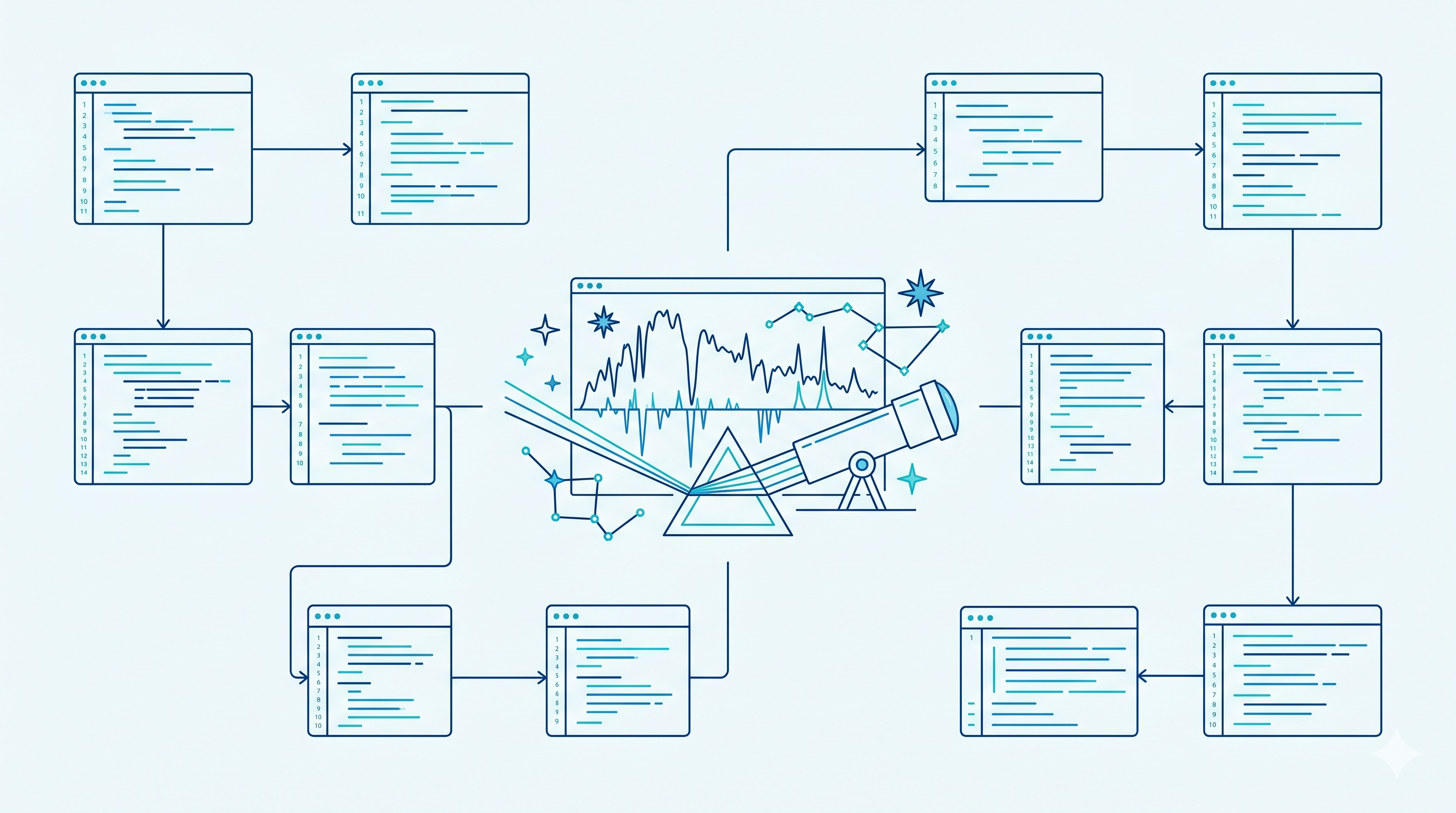
Since the beginning of the AstroSpectro project, the notebook [02_tools_and_visuals.ipynb](https://github.com/PhD-Brown/AstroSpectro/blob/main/notebooks/02_tools_and_visuals.ipynb) served as an exploratory notebook. It was where I tested spectrum visualizations, line detections, and diagnostics. But as the tools accumulated, the code became monolithic and difficult to maintain.
Refactoring Goals
I undertook a complete refactor with three objectives in mind:
- Clarity: each tool must be readable, self-contained, and clearly named
- Reusability: functions must be modular and usable elsewhere
- Explorability: interactivity must make exploration more intuitive and scientific
Final Architecture
All the logic now lives in src/tools/[visualizer.py](https://github.com/PhD-Brown/AstroSpectro/blob/main/src/tools/visualizer.py), in the form of a class:
visualizer = AstroVisualizer(paths)
Each interactive tool (header explorer, augmented spectrum, peak tuning, sky map, model inspector) becomes a simple call:
visualizer.interactive_spectrum_analyzer()
visualizer.plot_sky_coverage()
New Integrated Tools
- Dynamic FITS Header Explorer
- Augmented Spectrum Analyzer (flux + lines + SNR + sliders)
- Interactive tuning of detection parameters (
prominence,window) - Analysis of zeros in the extracted features
- Sky coverage map (Mollweide projection)
.pklmodel inspector: hyperparameters + feature importance
Before / After
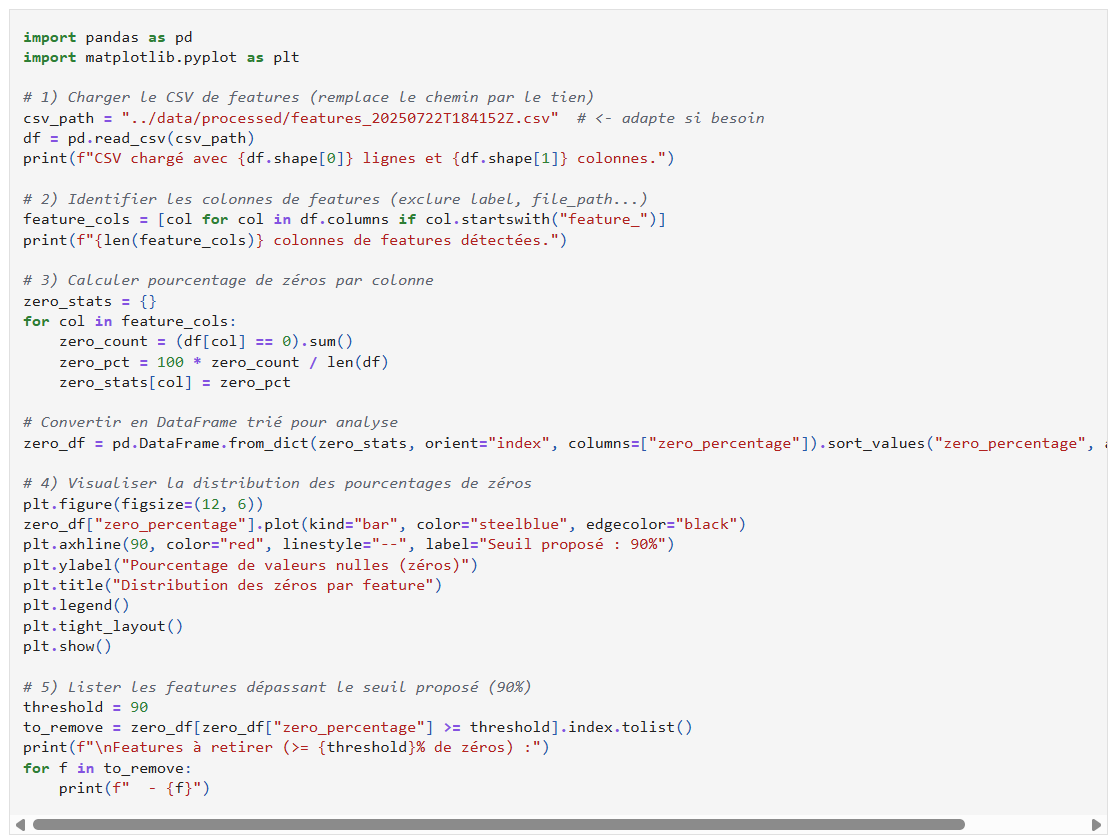
For example, the code for displaying null features
Before:
- 500 lines of exploratory notebook (example of the null-feature exploration cell below)
- Spaghetti code that was difficult to reread
After:
- A dashboard notebook
- Each tool in its own cell, one call per tool
- A modular class importable elsewhere

Impact on the Project
This refactor allows me to:
- Save time when iterating on features and models
- Work more like in a real lab
- Prepare the pipeline extension toward spectral cubes (SITELLE, etc.)
And above all… keep having fun. I have already spent more than 200h on AstroSpectro this summer — and I still do not feel the time passing!
Next Step
- Add spectrum comparators
- Export analyses (PNG + PDF)
- Automatically generate a mini exploratory report
- Everything listed in the Roadmap
"Today I realize how enjoyable exploration becomes when the code disappears behind the tool."
Thanks to everyone following the AstroSpectro adventure 🚀